Most coaches don't need a bigger website. They need a clearer one. A visitor lands on your site with one quiet question: "Is this person right for me, and what do I do next?" If the page answers that in a few seconds, people book. If it doesn't, they leave, even when your coaching is excellent.
After building websites for coaches, consultants and service businesses since 2020, I see the same nine pieces on the sites that actually fill a calendar. Use this as a checklist for your own site.
1. A headline that says who you help and what changes
Your headline is not the place for your name or a clever slogan. It should say who you work with and the result they want. Compare "Welcome to my coaching practice" with "Leadership coaching for new managers who want their team to trust them." The second one tells the right person, instantly, that they are in the right place.
Add one supporting line under it that explains how you help, and keep both short enough to read on a phone without scrolling.
2. One clear next step, repeated
Every coaching website needs one main action. For most coaches that is booking a free discovery call. Put that button in the header, in the hero, after your offers, after your testimonials and at the very end of the page. Use the same words every time, such as "Book a free call."
Too many choices slow people down. Social links, a newsletter, a podcast and three different buttons above the fold all compete with the one thing you want visitors to do.
3. Booking built into the site
Sending people to email you back and forth to find a time loses a lot of interested visitors. A booking calendar on your own site (Calendly, TidyCal or a similar tool) lets them pick a time in their own time zone in under a minute.
A good booking flow includes:
• A calendar embedded on a dedicated Book a Call page, not just a link to another website
• Automatic confirmation and reminder emails, so fewer people forget the call
• A short intake question or two, so you arrive prepared
• A thank-you page that tells people what happens next
4. Proof next to every ask
People believe other clients more than they believe you. Place proof right where you ask for the booking: a short testimonial next to the button, a few reviews under your offers, and a dedicated reviews page for people who want more.
The strongest proof is specific and real: a client's name, what they do and what changed for them. Video testimonials work especially well for coaching, because visitors can see and hear a real person. Never invent reviews or numbers. One honest review beats ten generic ones.
5. An About section that is really about the client
Your About page is often the second most visited page on a coaching site. Visitors go there to decide whether they would enjoy working with you. Share your story, but connect it to them: why you understand their situation, how you work and what a session feels like. Use a real, recent photo where you look like yourself.
6. Offers that are easy to understand
If a visitor can't tell what you sell, they can't decide to buy it. Give each offer a clear name, who it is for, what is included and how it starts. Many coaches prefer to discuss pricing on a call, and that's fine, but saying "from $X" or "packages start at" removes a lot of hesitation and filters out people who are not a fit.
7. A design that works on a phone first
Many visitors, especially those who find you through Instagram, LinkedIn or a podcast, arrive on a phone. Check your site on your own phone: can you read the text without zooming, tap the buttons easily and book a call with your thumb? Menus that don't open, sideways scrolling and tiny buttons quietly cost you bookings.
8. A fast site
A slow page loses people before they see your headline. Large photos, heavy page builders, sliders and too many plugins are the usual causes. Aim for a score of 90 or higher on Google PageSpeed Insights for mobile. I wrote a separate guide on website speed for coaches with the exact fixes.
9. A soft option for people who aren't ready yet
Not every visitor is ready for a call today. Give them a smaller step: a free guide, a short quiz, a workbook or a newsletter. Collect their email, send them something genuinely useful and invite them to book when the time is right. This turns "maybe later" visitors into future clients instead of lost ones.
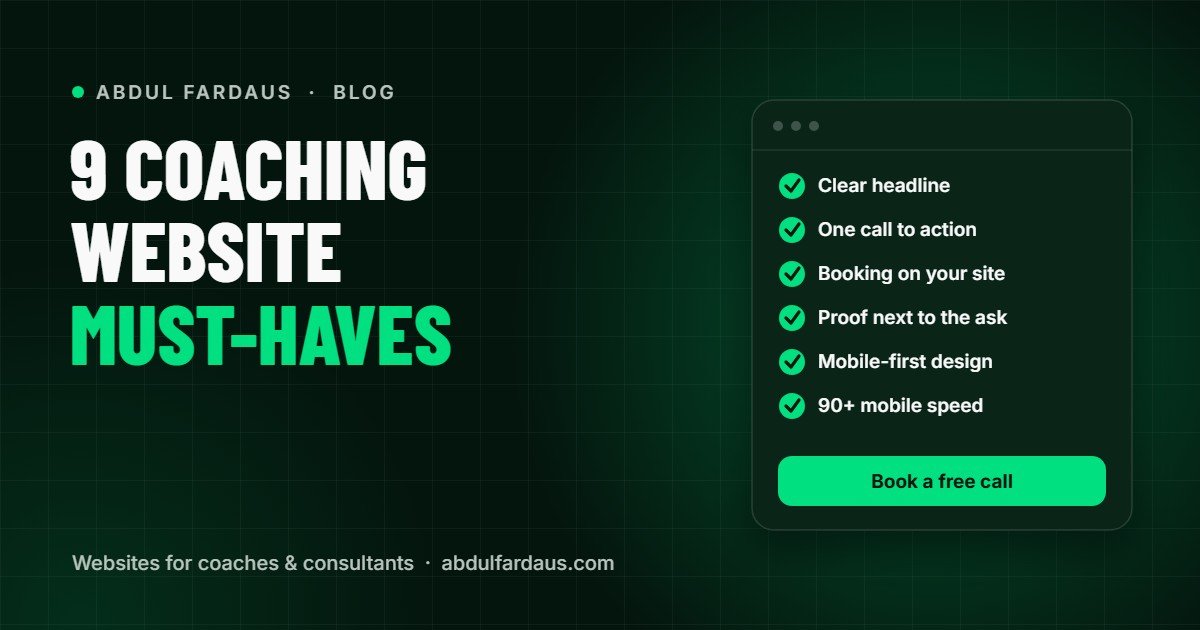
Clear headline · one repeated call to action · booking on your site · proof next to every ask · client-focused About page · simple offers · mobile-friendly design · 90+ mobile speed · a free option for not-ready visitors.
What to fix first
If you can only change a few things this week, start with the headline, the booking flow and the proof next to your main button. Those three usually make the biggest difference to how many visitors book.
Not sure where your site stands? Send it to me for a free website review and I'll record a short video showing what is stopping visitors from booking and the three changes I would make first. If you'd rather talk it through, book a free strategy call.